
1TB vs 2TB SSD: How Much Storage Does a Gaming PC Need?
Add up your installed games, Windows, mods, recordings, and update space to choose between 1TB and 2TB without overspending.
Read the article
Find the Right Hardware for Your Budget and Needs
Find the best PC for your budget and needs. Explore PC build guides, compare CPUs, graphics cards, RAM and SSDs, and learn which hardware is right for you.Browse all 17 categoriesEvery guide explains what the part does, the specifications worth reading and what to check before it goes in your cart.
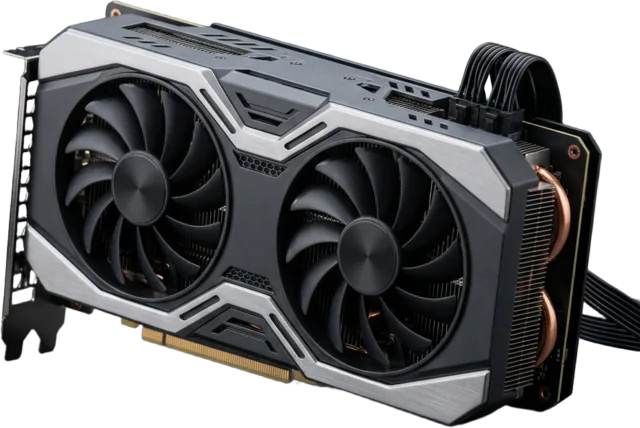
Pixels, frames, and creative acceleration.
02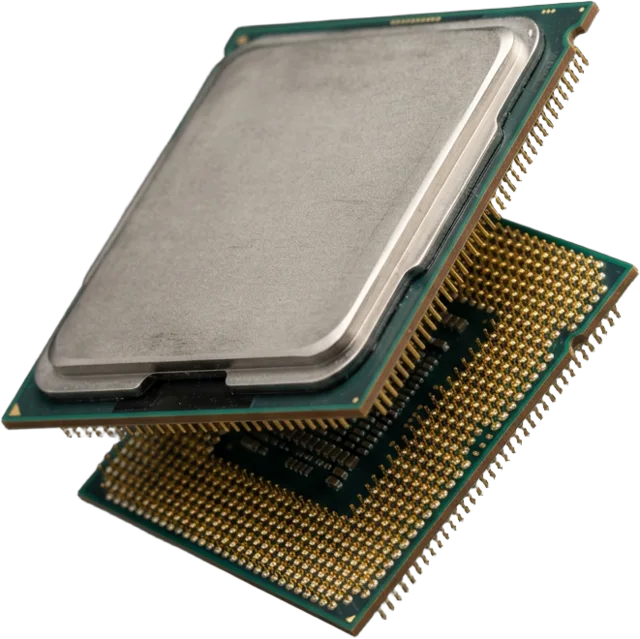
The decision-maker behind every task.
03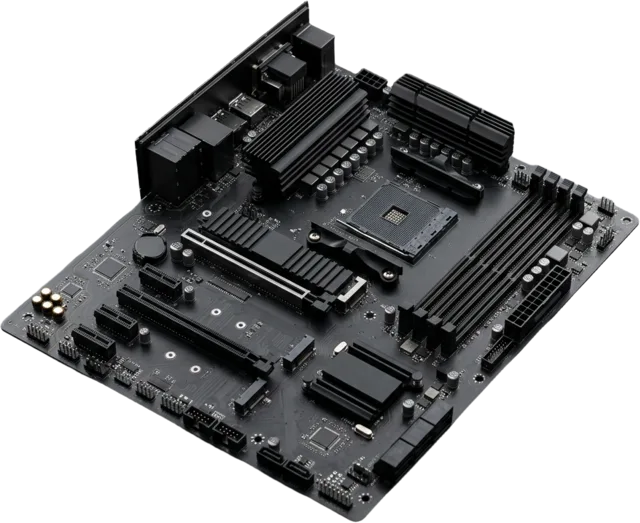
The foundation that connects it all.
04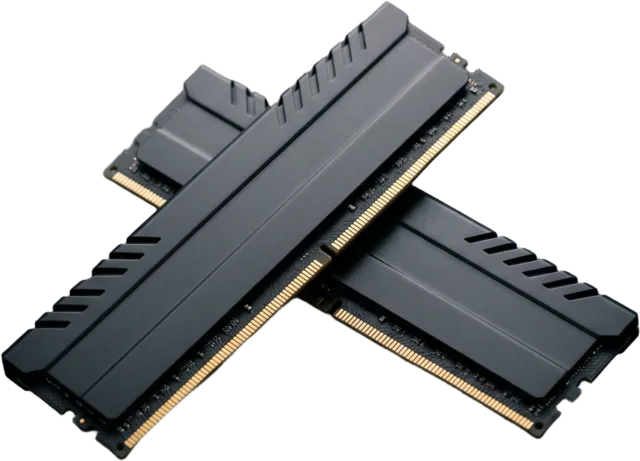
Room for your work to breathe.
05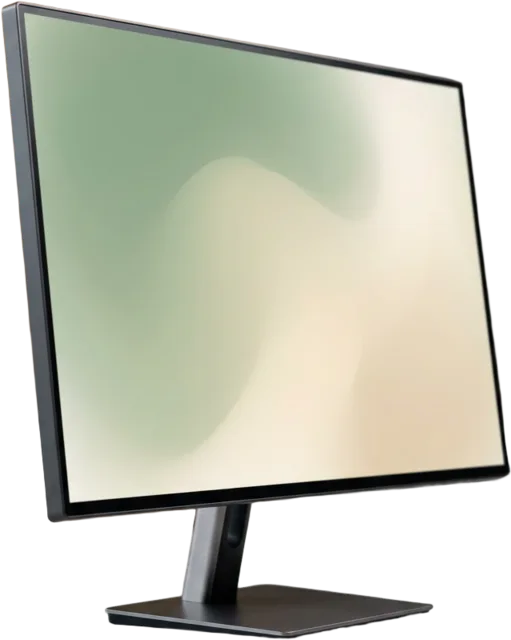
The display sets the destination.
06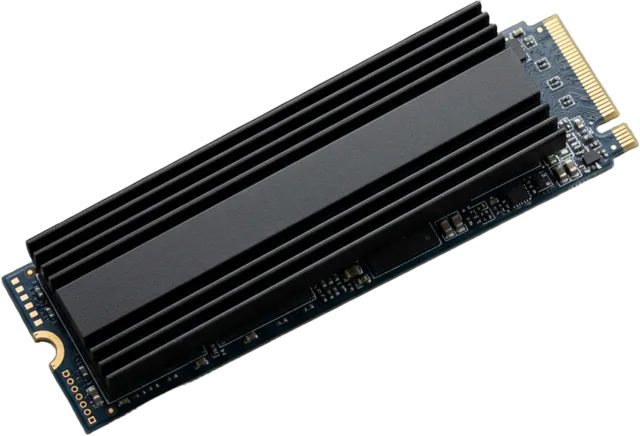
Fast access and enough breathing room.
07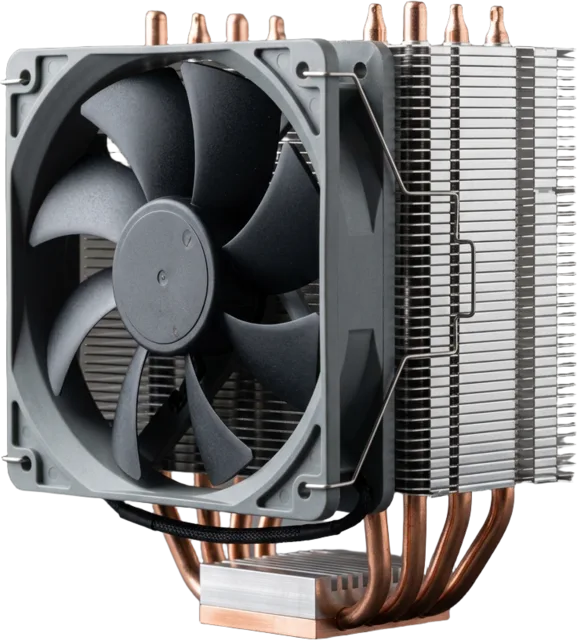
Keep performance predictable.
08
Hear clearly. Be heard clearly.
Build or upgrade your PC with confidence at Bob’s PC Hardware. Explore gaming PC builds, graphics card comparisons, CPU recommendations, RAM, SSDs, and expert buying guides. Find compatible computer components, compare performance, and get the best PC parts for your budget.
Reliable everyday computing, media and family use. Integrated graphics and a solid SSD often go far.
Read the guideStudy, research and light creative work on a tight budget, with room to upgrade later.
Read the guideQuiet, dependable machines for documents, calls and multitasking. Memory and storage matter more than graphics.
Read the guideVideo editing and design lean on CPU cores, RAM capacity and fast storage. Check what your software uses.
Read the guideBalance the graphics card, processor and monitor around the resolution and refresh rate you play at.
Read the guideMost buying regrets are compatibility problems. Our checklist walks through the connections that decide whether parts work together.
Where to spend, where to save, and the decision path for four common briefs. No fixed parts lists or priced totals.
An everyday PC that feels capable, without paying for unused potential.
Open the guideA thoughtful balance for smooth play at the display you actually own.
Open the guideWhere extra spending can matter—and where it stops making sense.
Open the guidePut money where your applications—not marketing—need it.
Open the guideSide-by-side questions answered in full articles, from panel types to cooling to building versus buying.
All comparisonsBalance pixel density, screen size, refresh rate, graphics-card performance, and total cost when choosing your monitor resolution.
Compare panel technologies for motion, contrast, HDR, desktop text, room lighting, and warranty, then evaluate the exact monitor model.
Understand refresh-rate differences, the frames you need, and why motion quality matters more than the Hz label alone.
Compare refresh-rate targets for PC monitors and gaming TVs, including console limits, supported inputs, and motion-marketing claims.
Practical articles on upgrades, troubleshooting and choosing hardware with confidence.
Browse all articles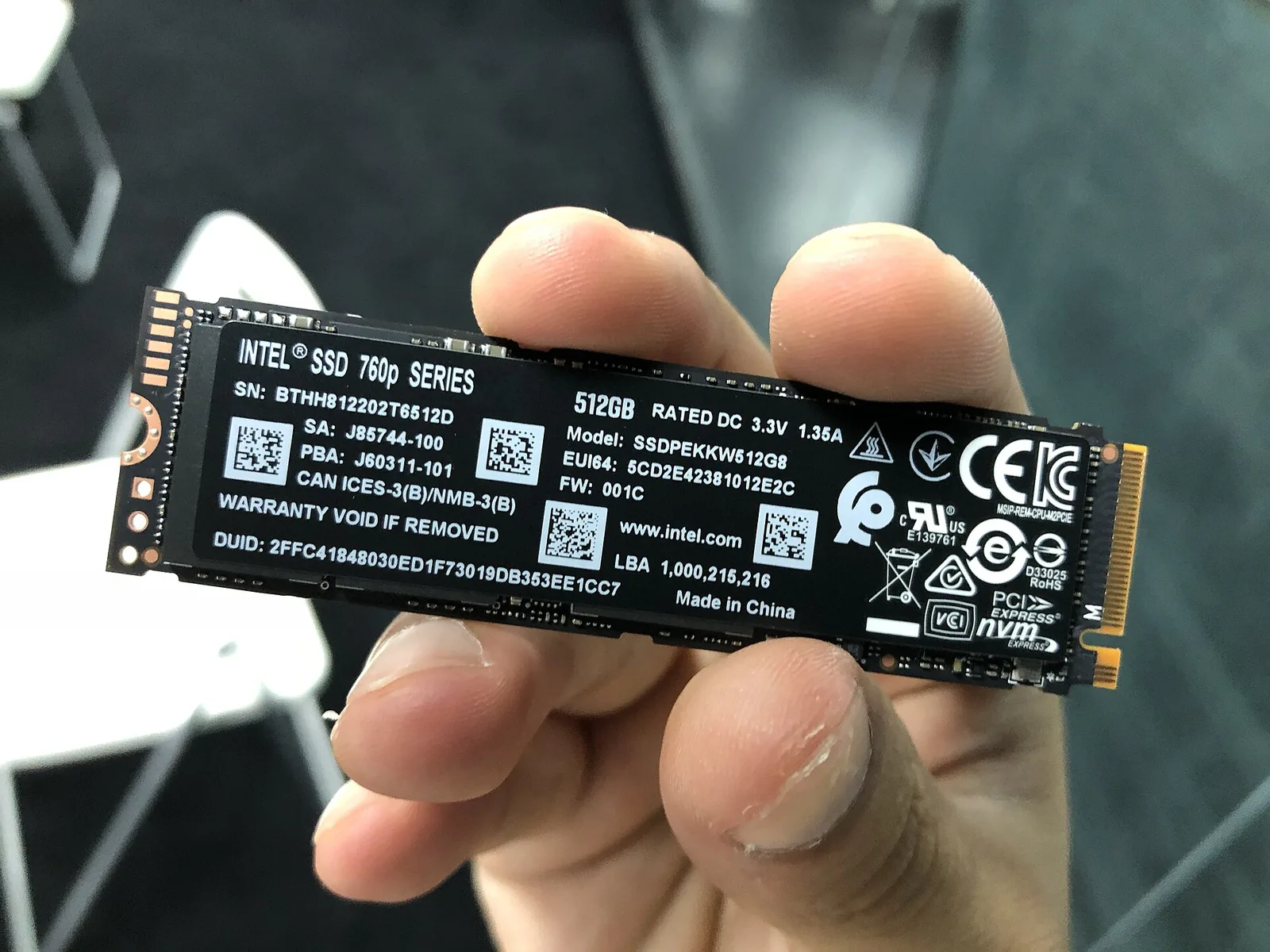
Add up your installed games, Windows, mods, recordings, and update space to choose between 1TB and 2TB without overspending.
Read the article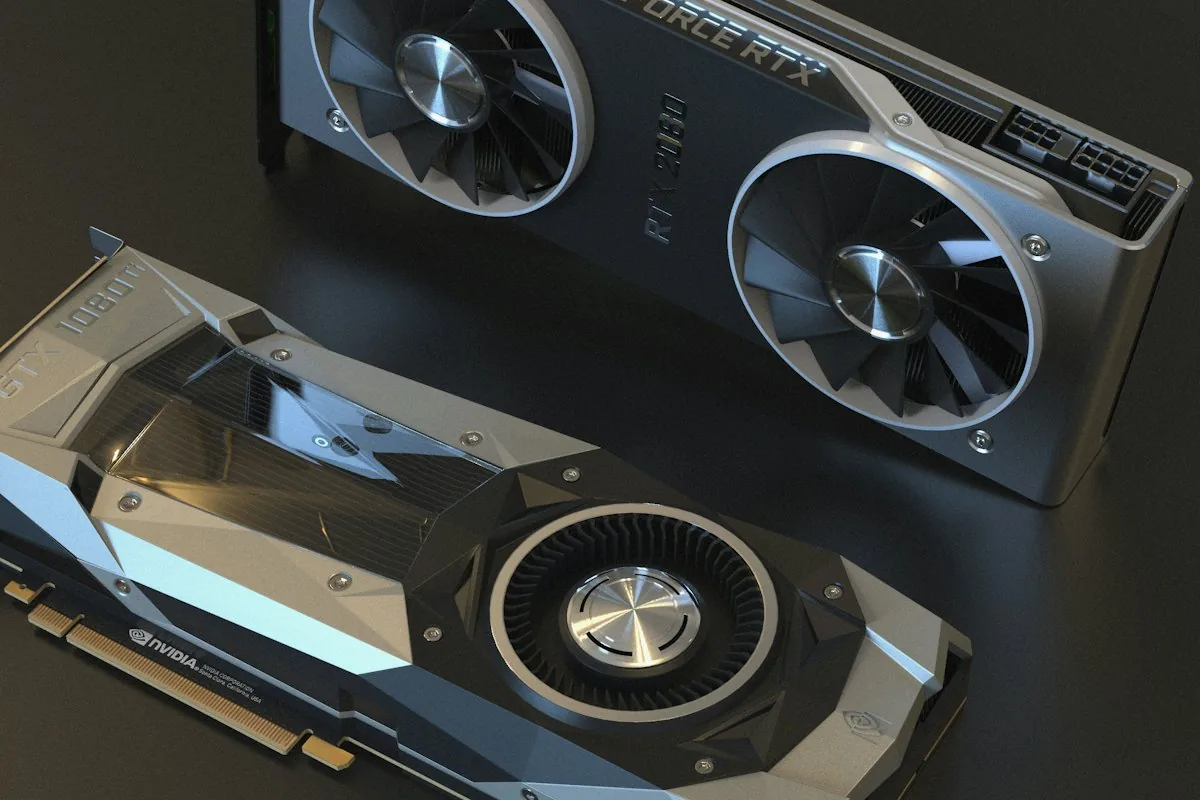
Compare the exact card’s dimensions with usable case space, then check radiator clearance, slot layout, power cables, and airflow.
Read the article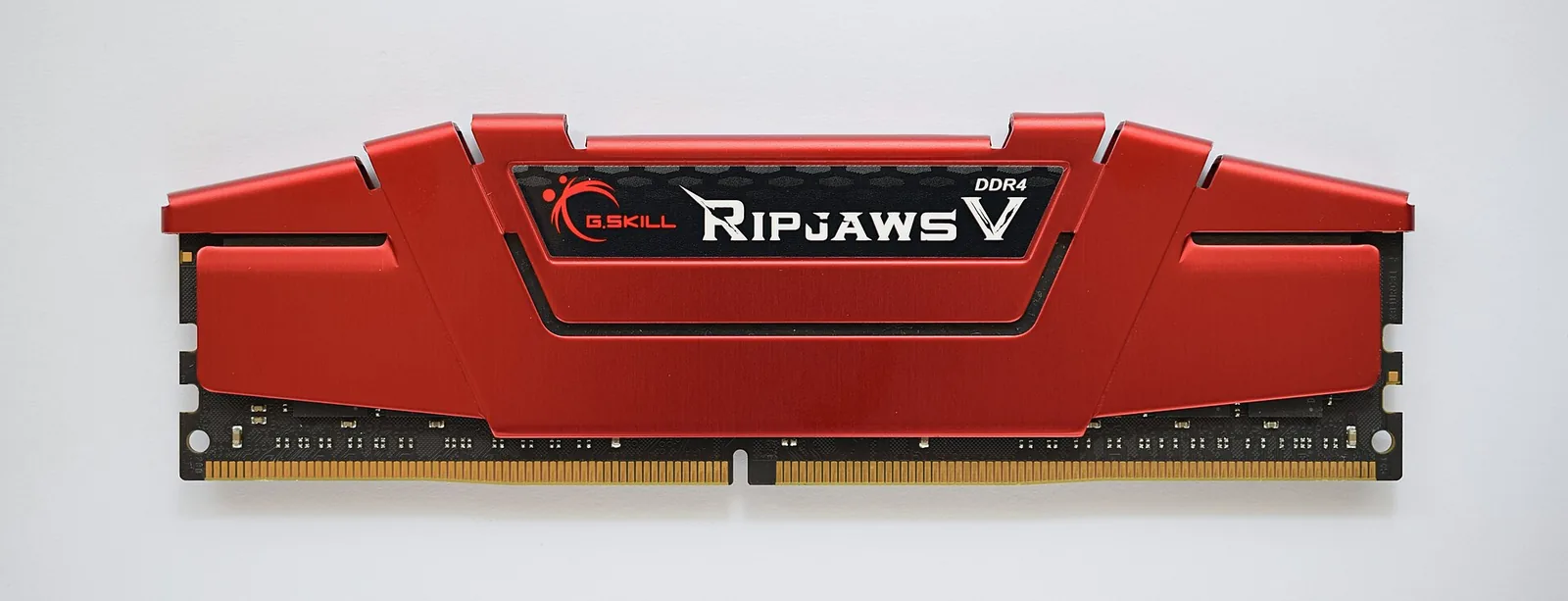
Check your actual memory data rate, understand MHz versus MT/s, enable the supported profile, and troubleshoot stability before blaming the kit.
Read the article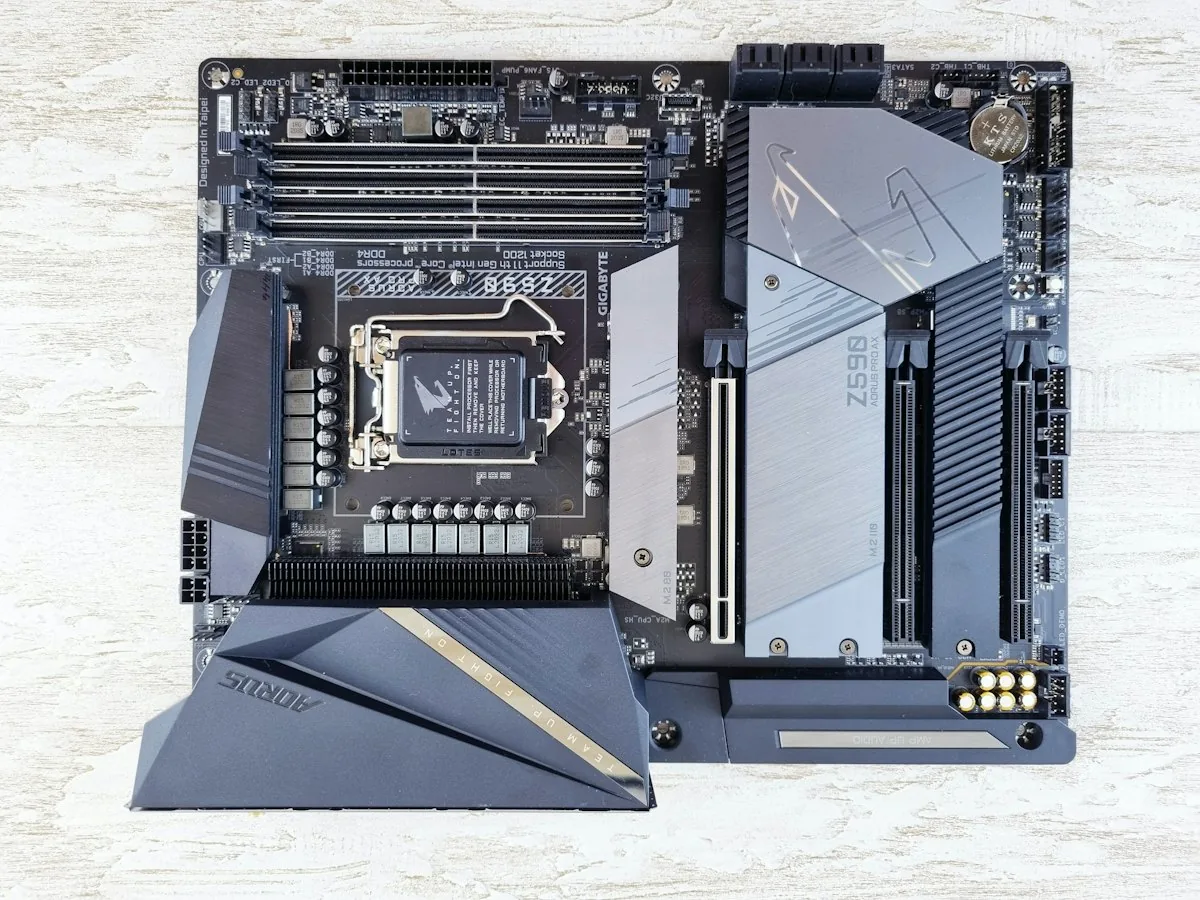
Start with your exact CPU, then check BIOS support, memory type, case fit, storage slots, power delivery, and the connections you will use.
Read the article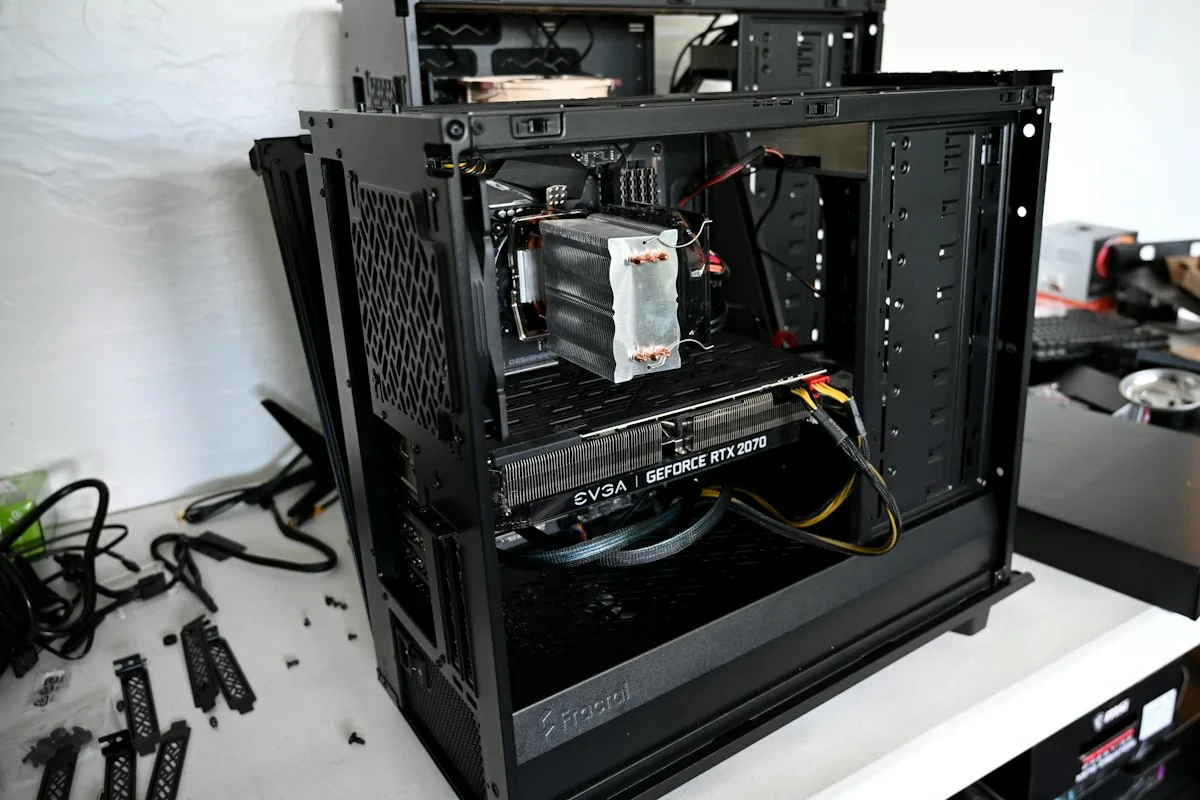
Start with the monitor input and correct video port, then use motherboard debug indicators to check memory, power, graphics, and CPU support.
Read the articleA part is not good in a vacuum. We start with what you do and where your money goes furthest.
A fast graphics card means little without the right display, power and space.
No invented benchmarks, prices or ratings. We point you to verify current specifications.
We do not sell, build or configure PCs. We link to retailers and say clearly when a link earns us money.